Cat color by number pages for a cozy break
A sleeping cat, a sunny window, a box that has become a bed. If cats are your favorite subject, there is plenty to enjoy in an illustration built around an ordinary, cozy moment.
Try the coloring demo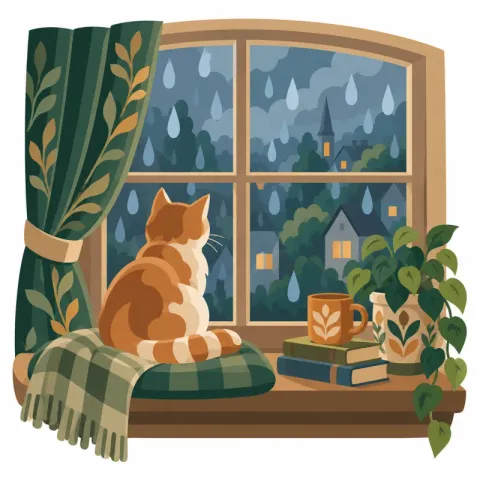
Find a scene that feels familiar
The Cats at Home collection includes cats with books, yarn and plants, as well as a cat in a box and a pair of cats together. You can browse the collection on the website before choosing a page in the app.
Start with the mood rather than the difficulty. A sleeping cat may suit a short quiet break; a window scene gives you more surrounding objects to explore. Full artworks have three detail levels, so liking the subject does not mean committing to its busiest version.
Make the small details comfortable
Choose Calm when you prefer simpler fields, or try Balanced and Deep when you want more detail. On a phone, zoom is useful around ears, paws and narrow spaces beside furniture. You do not have to hit every small field at the full-picture view.
Work through one palette number at a time if you enjoy seeing the whole scene emerge. Use the highlights or the free field-finding tool if a tiny patch blends into the outlines. Progress saves, so the cat can wait while you do something else.
A nap, a window and a pile of books
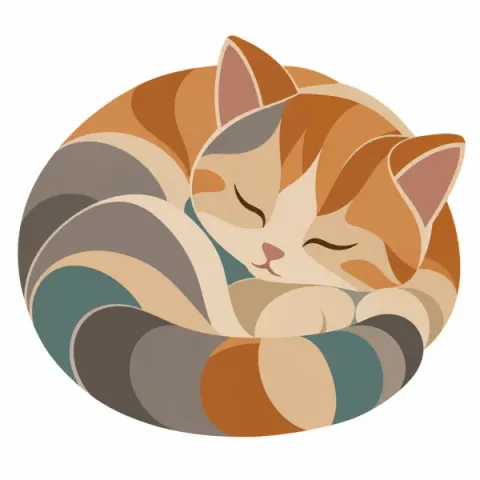
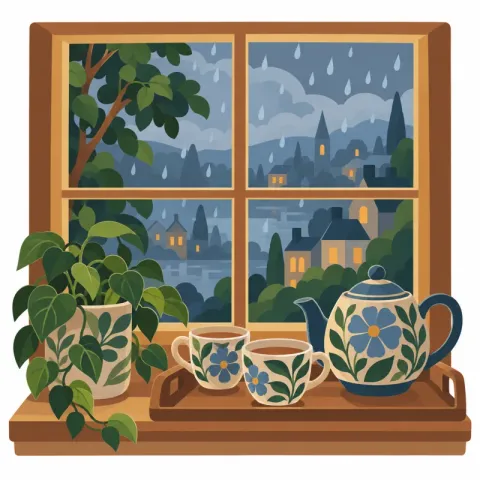
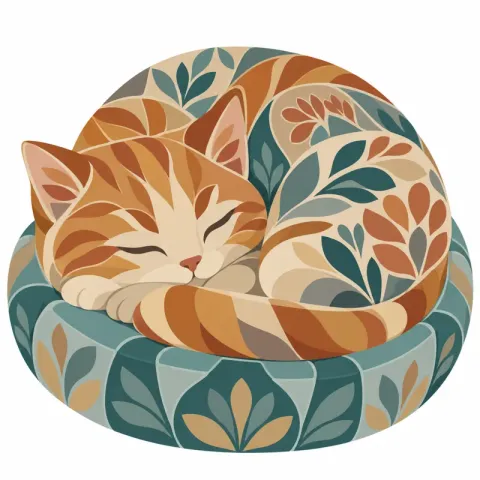
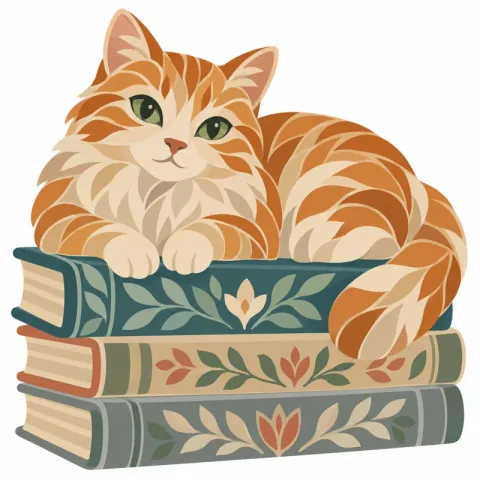
These are three illustrations from Cats at Home, shown at Balanced detail. Compare how much of each page is taken up by the cat and how much by the room around it. That can help you choose between a close-up subject and a fuller scene.
What about a picture of your own cat?
Photo import lets you try a familiar face from your camera roll. Choose a clear photo with the cat separated from the background, crop it square and compare the three detail levels. Distinct shapes usually work better than fur against a similarly colored blanket.
The preview matters: the app simplifies colors and shapes, so it may not keep every marking. Your first saved photo page is free. Processing happens on your phone, without uploading the original photo to a server.
A few useful answers
Can I see the cat pictures before installing?
Yes. The website's collections page shows illustrations from the app, including Cats at Home. Open the app to see which pages are currently accessible to you.
Do I have to finish a cat picture in one sitting?
No. The app saves your progress on your device. There is no timer or streak penalty for leaving the page unfinished.